Liquidation
Liquidation auctions that run on a schedule
Liquidation businesses run auction after auction with high lot counts. AuctionZu is built to make each one faster to prepare and simpler to close.
The same sale, every week. Start each week from last week's sale, bring in the new lots from a spreadsheet, and let the paperwork from the last close finish while the next one opens.
Weekly cycleRepeats every week
- 1Duplicate last week's saleTerms and settings carried over
- 2Import this week's lotsRows checked before saving
- 3PublishChecks pass, rules lock
- 4Bidding and closeServer-checked, staggered
- 5InvoicesDrafted at close
- 6Warehouse pickupPaid buyers, by paddle
- 7Payouts and reportsStatements, CSV exports
- Next weekStart againSame terms, new lots
What liquidation teams juggle, and how AuctionZu fits
Volume is the job: returns, overstock, business closures and surplus, often on a weekly cycle.
What you juggle today
- Getting large lot lists into an auction without retyping them.
- Running the same kind of sale again and again with the same settings.
- Hundreds of invoices to collect and pickups to schedule after each close.
- Keeping track of which bidders are approved and reliable.
With AuctionZu
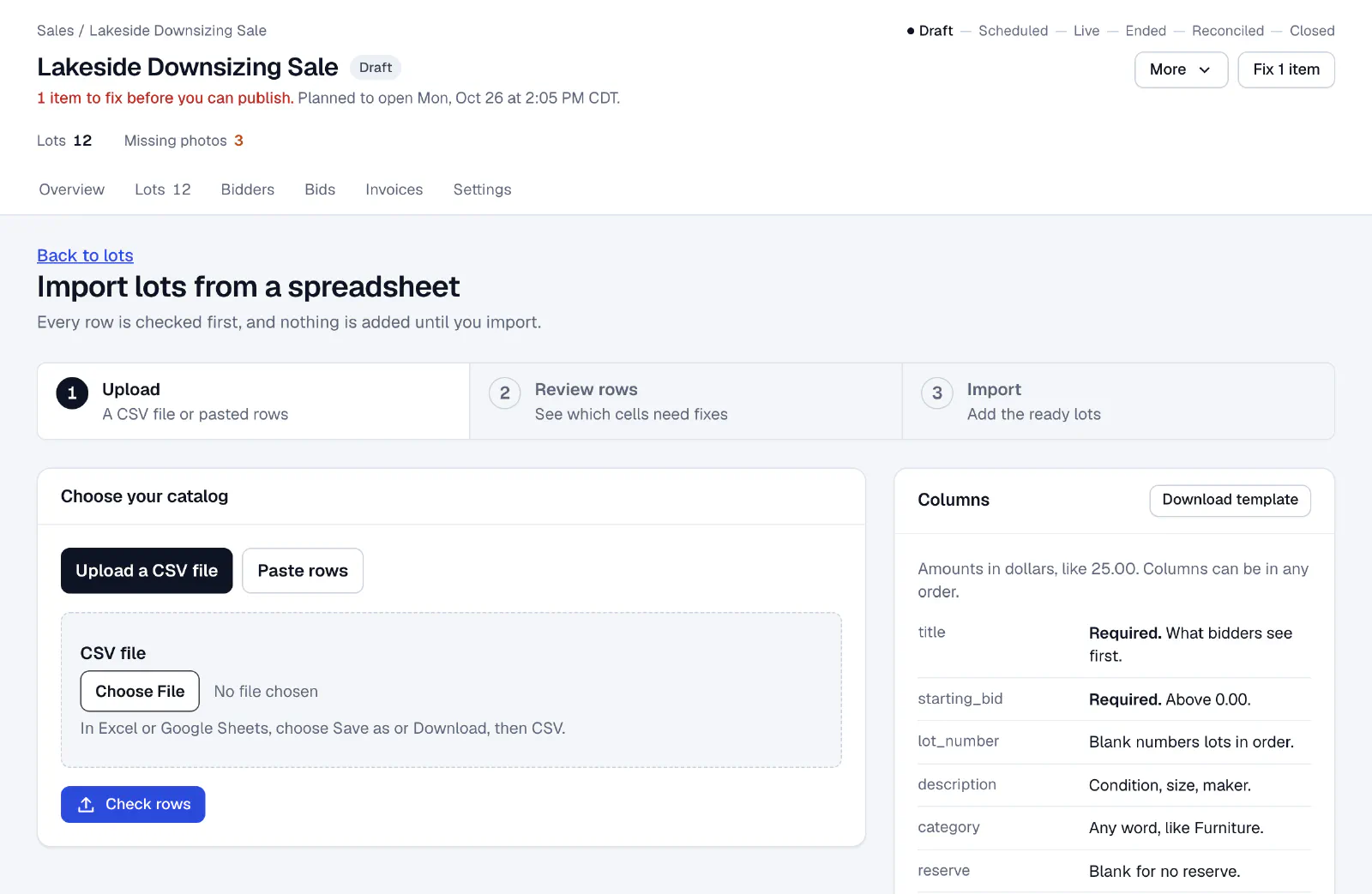
- CSV import with validation. Upload a spreadsheet and fix errors row by row before anything is saved. Bulk edit shared fields across many lots at once.
- Duplicate and go. Copy a past auction, with its terms and settings, as the starting point for the next one.
- A daily work list. The Home screen shows unpaid invoices, pending pickups and bidder approvals so nothing slips between sales.
- Exports when you need them. Download bidders, lots, bids and invoices as CSV files for your own records.
Bring in a lot list from any spreadsheet. Every row is checked first, and nothing is added until you import.
Ready to run your next auction?
Tell us how you run sales today, and we will walk you through a sale on AuctionZu from the catalog to the consignor payout.